img2quadtiles
28 April 2026
Remixing images with a quadtree img2img pipeline
Recently I was asked to do an alternative version of Flora’s album for the upcoming remix album. It was suggested to make a pixel version of it; but because the original was a painting, simply downsampling it did not look right.
So instead I thought about using G’MIC Quadtree decomposition, with a gradient map on top to unify the colors. The quadtree keeps large quiet regions large, and spends smaller shapes only where the image actually changes. It gives the image a blocky structure without pretending to be pixel art.

By sheer coincidence, the same day I stumbled upon a reddit comment that suggested applying img2img with different tile sizes. The two seemed a perfect fit.
The Idea
The pipeline is:
- decompose the source image into quadtree-like regions
- split each region into a rectangular image, naming them after the tree structure so that we can reassemble them later
- feed each tile into an img2img workflow with a prompt
- reassemble the tiles into the final image
There are a few details to handle:
- too small areas will just be noise (we need a minimum size)
- too large areas will not render well (we need to downsample then upsample)
- the tile colors are normalized to be closer to the original
- other messy details, like handling dimensions that are not multiple of 8
Once these are fixed, there are a lot of parameters to experiment with:
- source image
- quadtree: size of tiles, depth, …
- ComfyUI: AI model, denoising value, …
- prompt
img2quadtiles tests/examples/babel.jpg
  --threshold 3500
  --original-tiles
  --max-depth 4
  --workflow workflows/img2img_workflow.json
  --prompt "a heroic fantasy landscape, impressionist, masterpiece"
  --negative-prompt "blurry, low quality, text, deformed"
  -o outbabel
  --color-match
  --original-tiles
Results
The tiger image is copyrighted, taken from the Wildcat Sanctuary. It was a totally random choice, but it’s my favourite result by far. All the others are famous paintings, except for a picture of Etsuko Shihomi, and one of my own work.
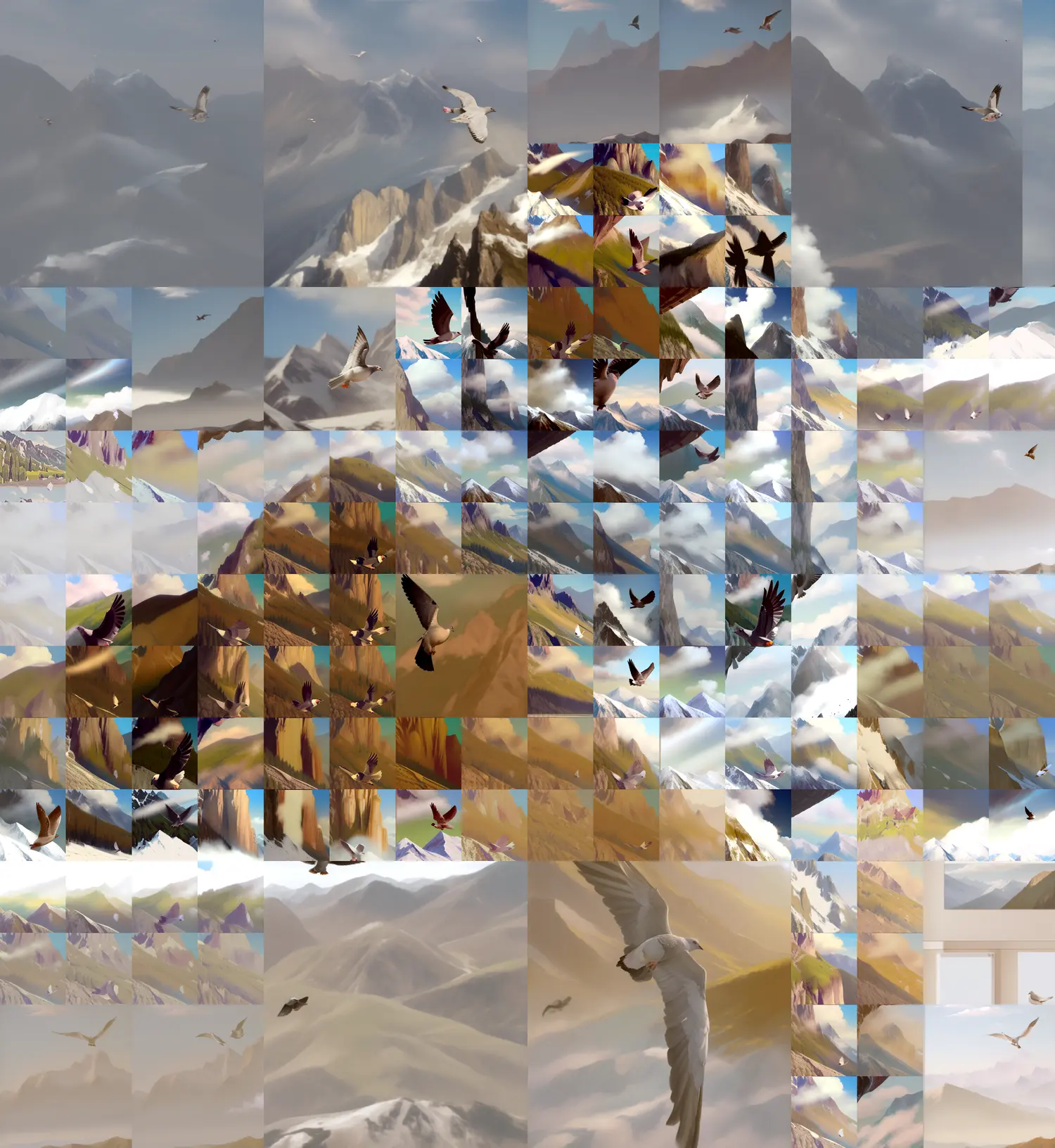
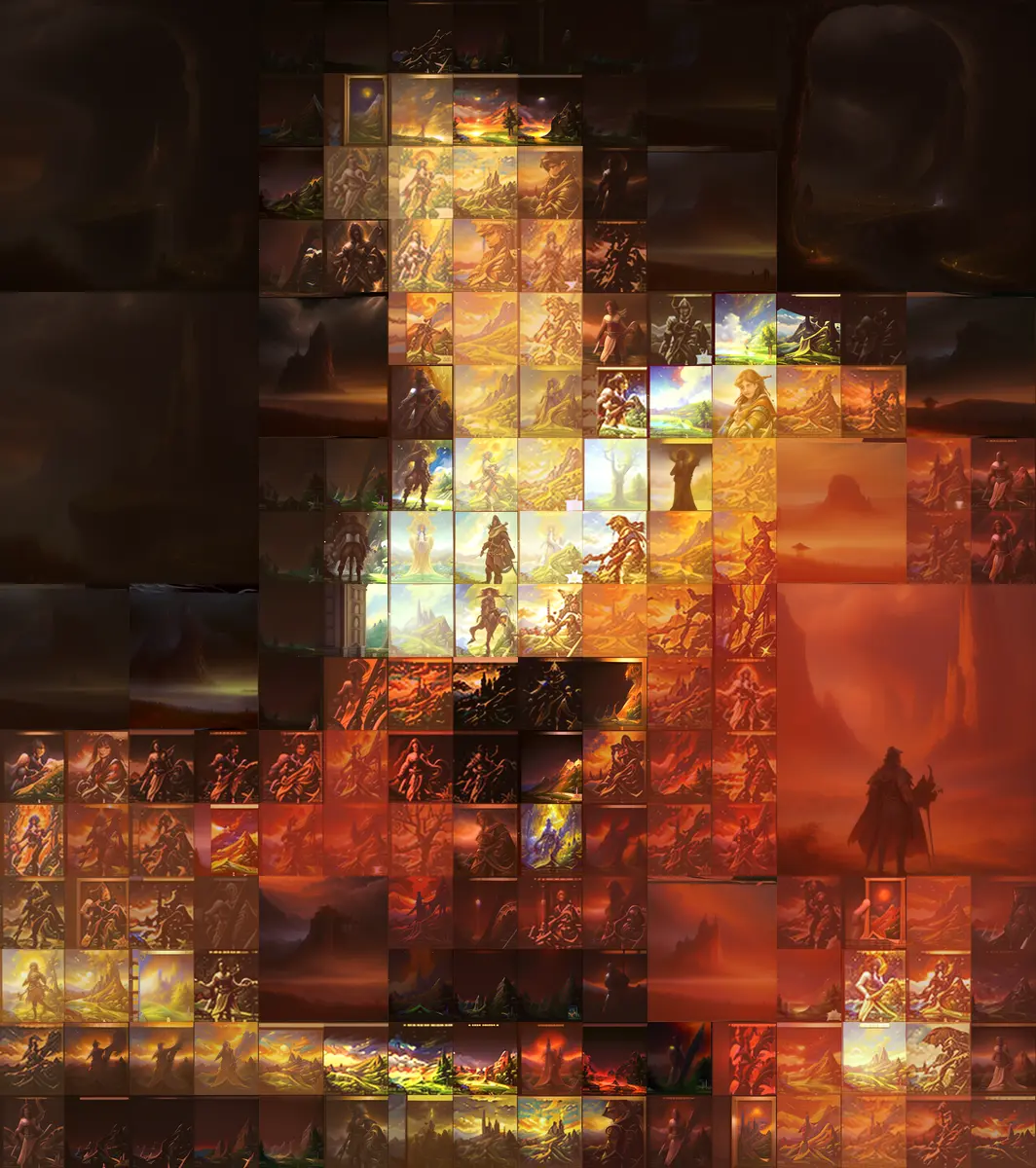
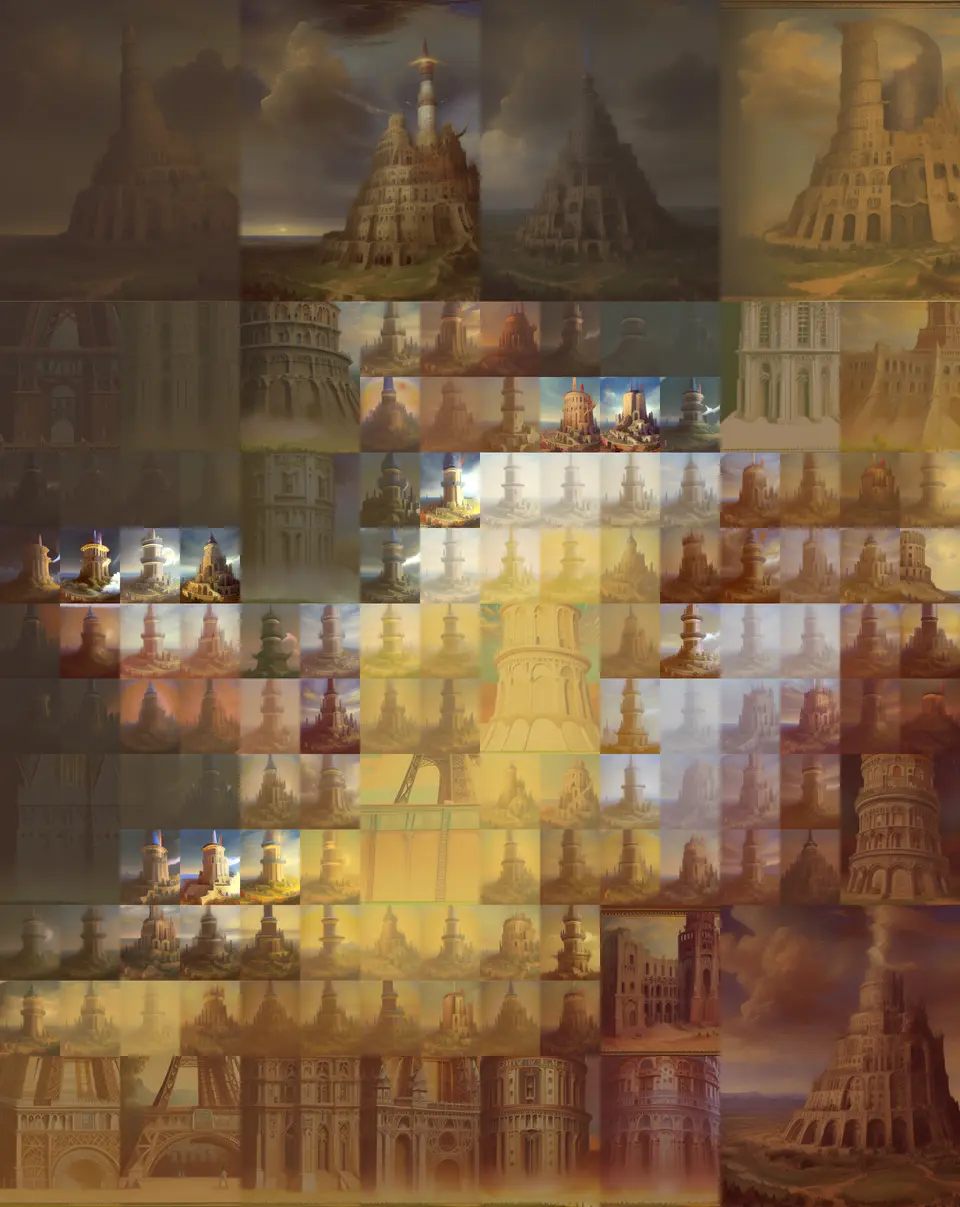
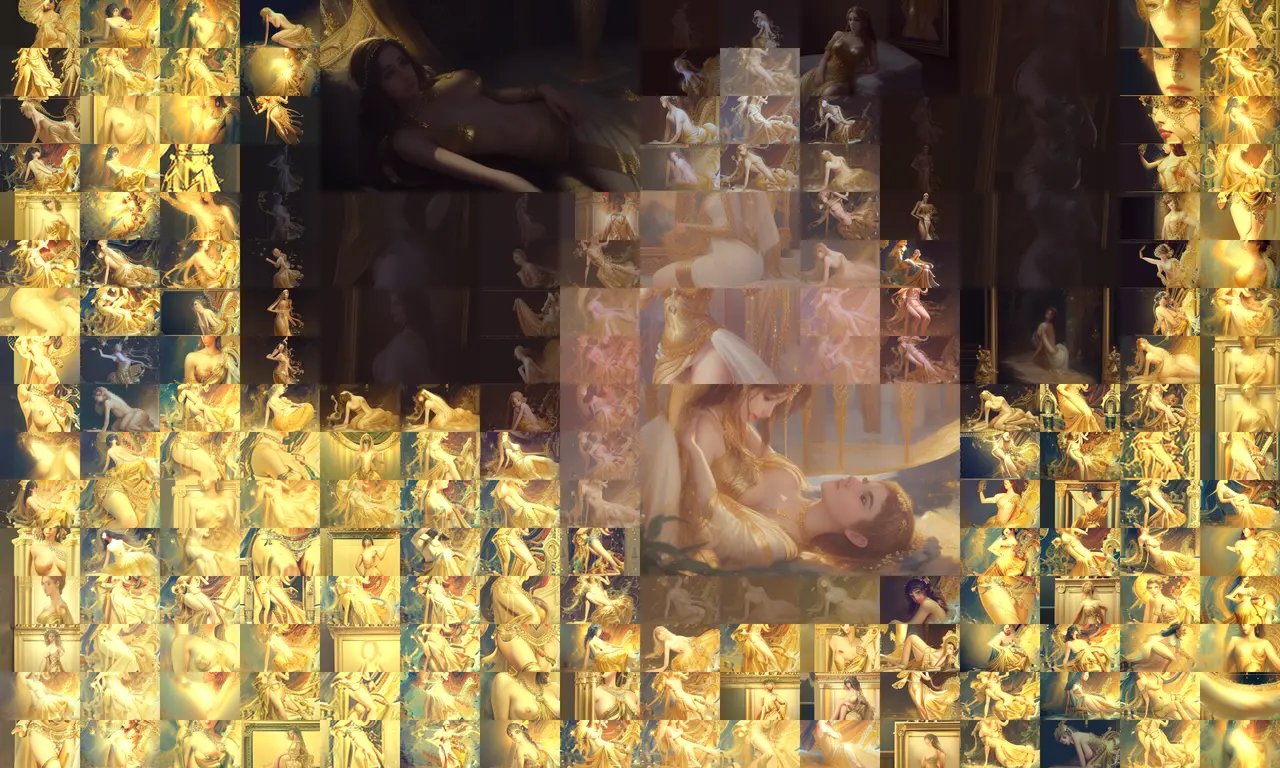
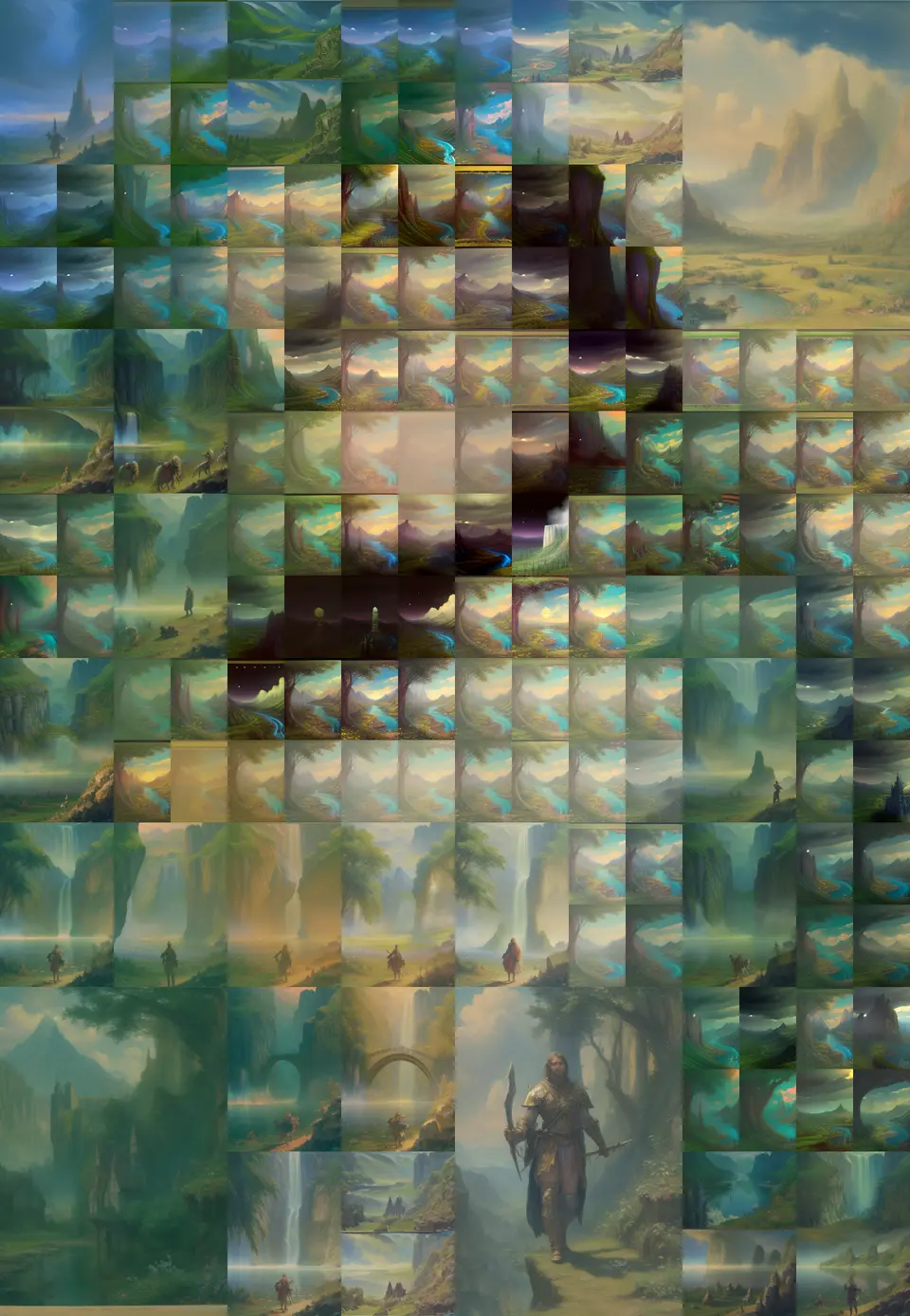
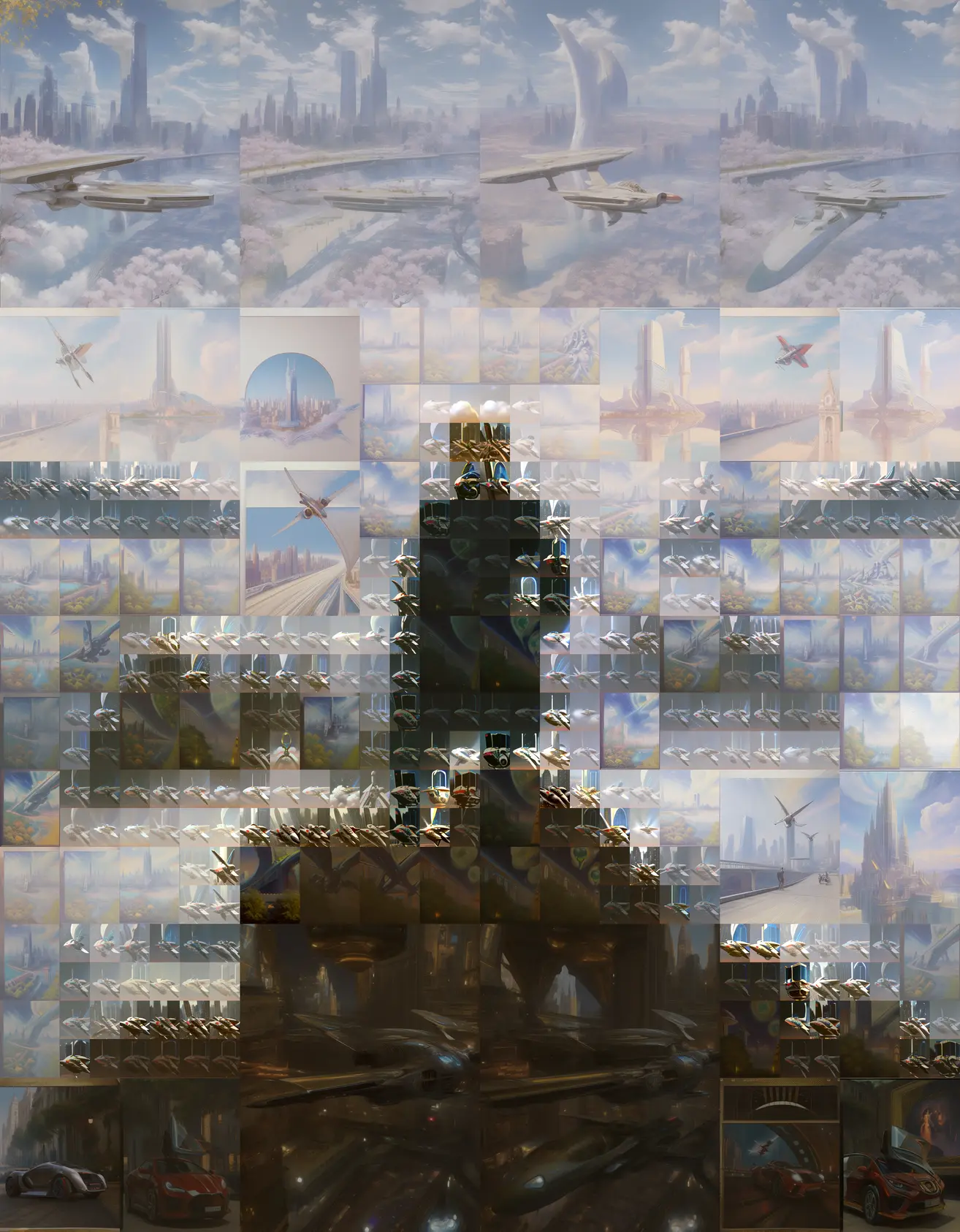
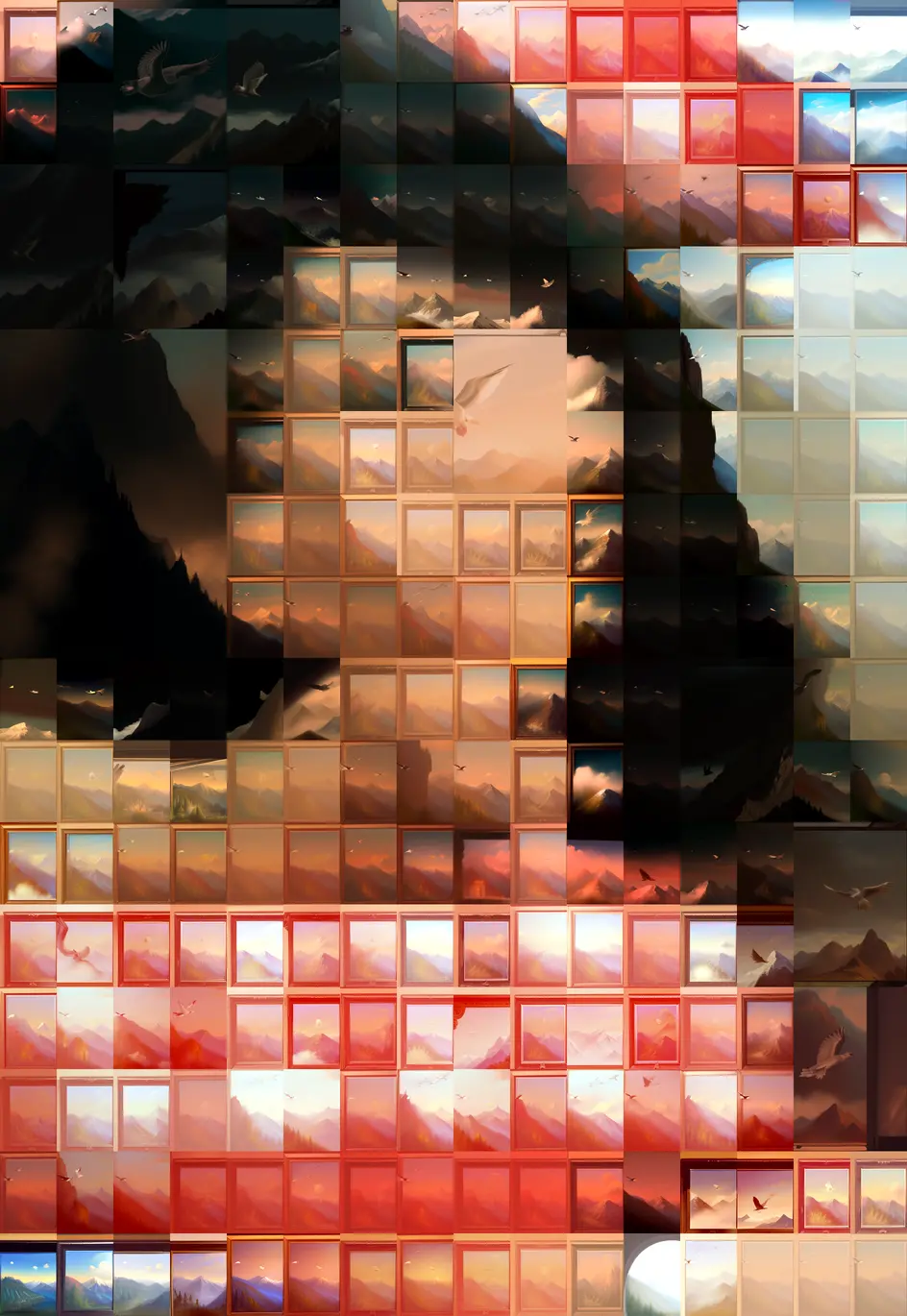
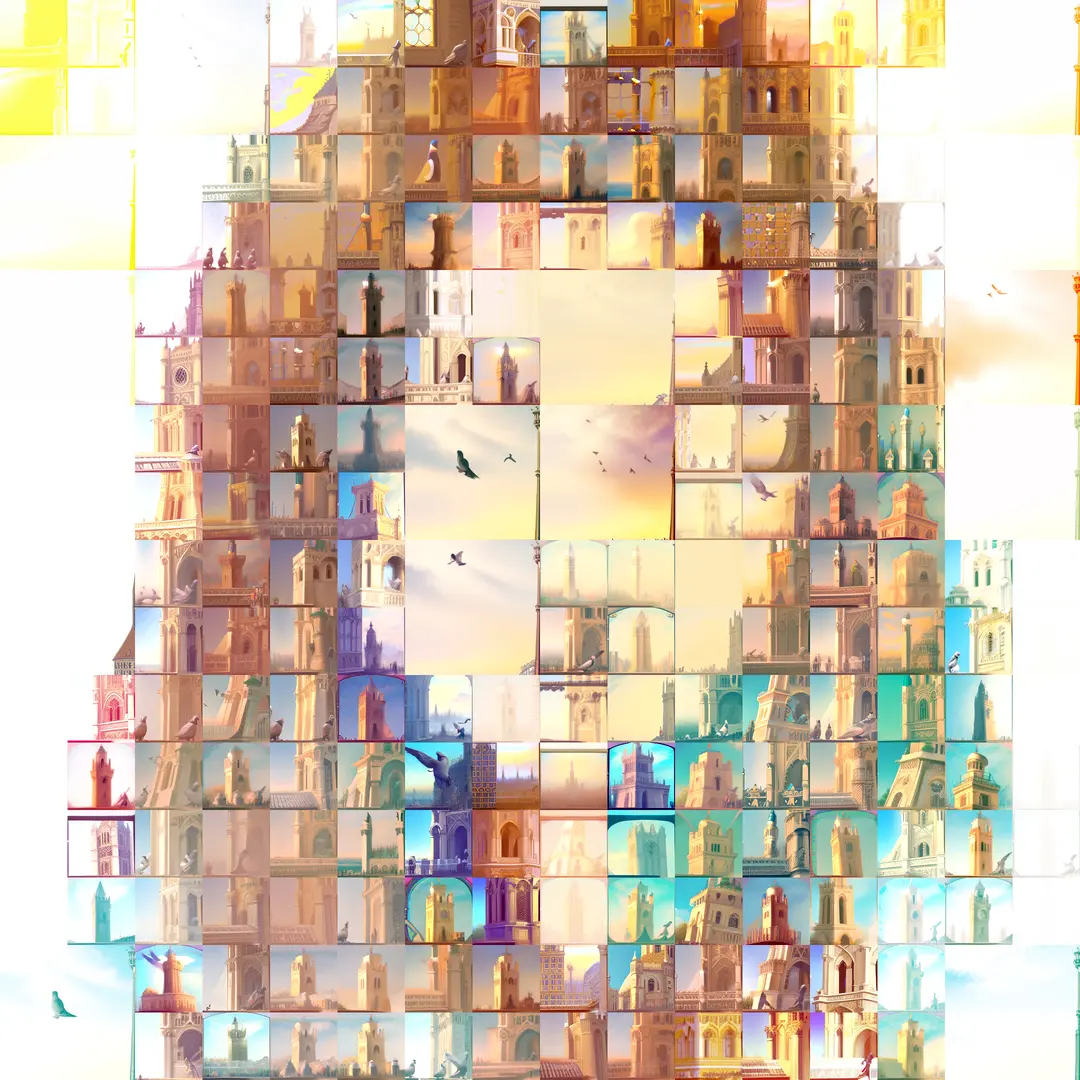
As a bonus, you can make a game trying to recognize the original paintings.
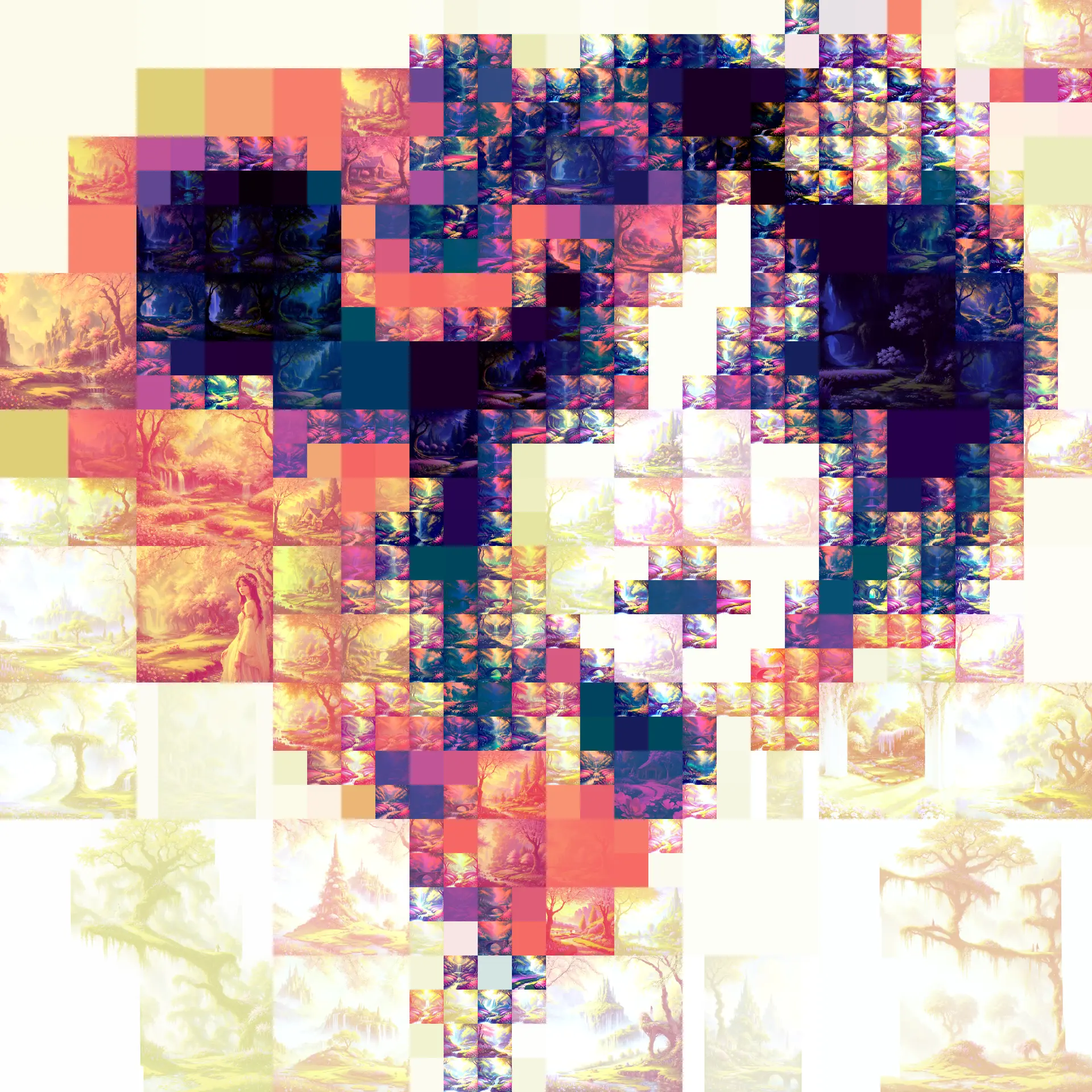
Remixing the remix cover image with this technique:
Segmentation failure
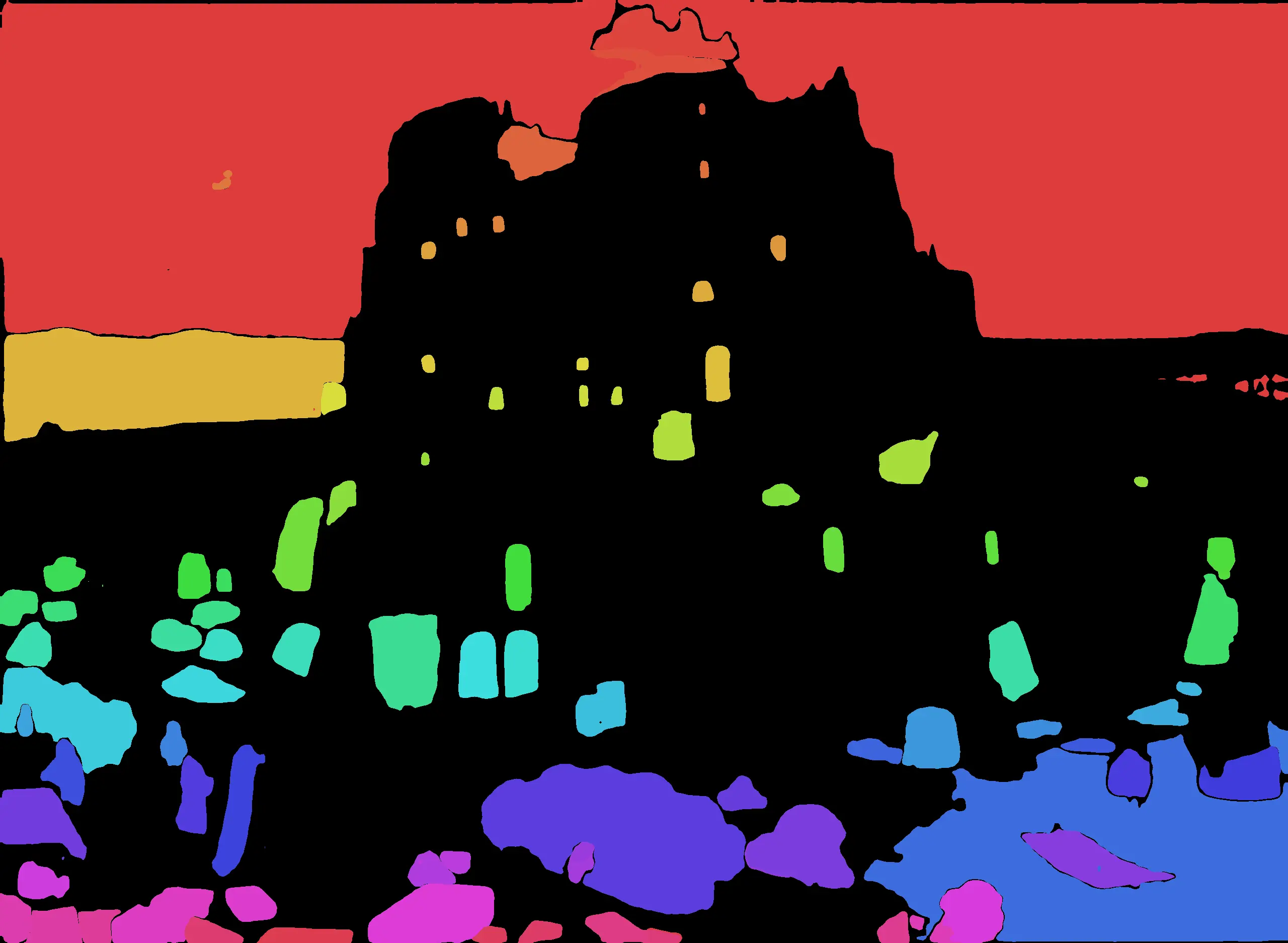
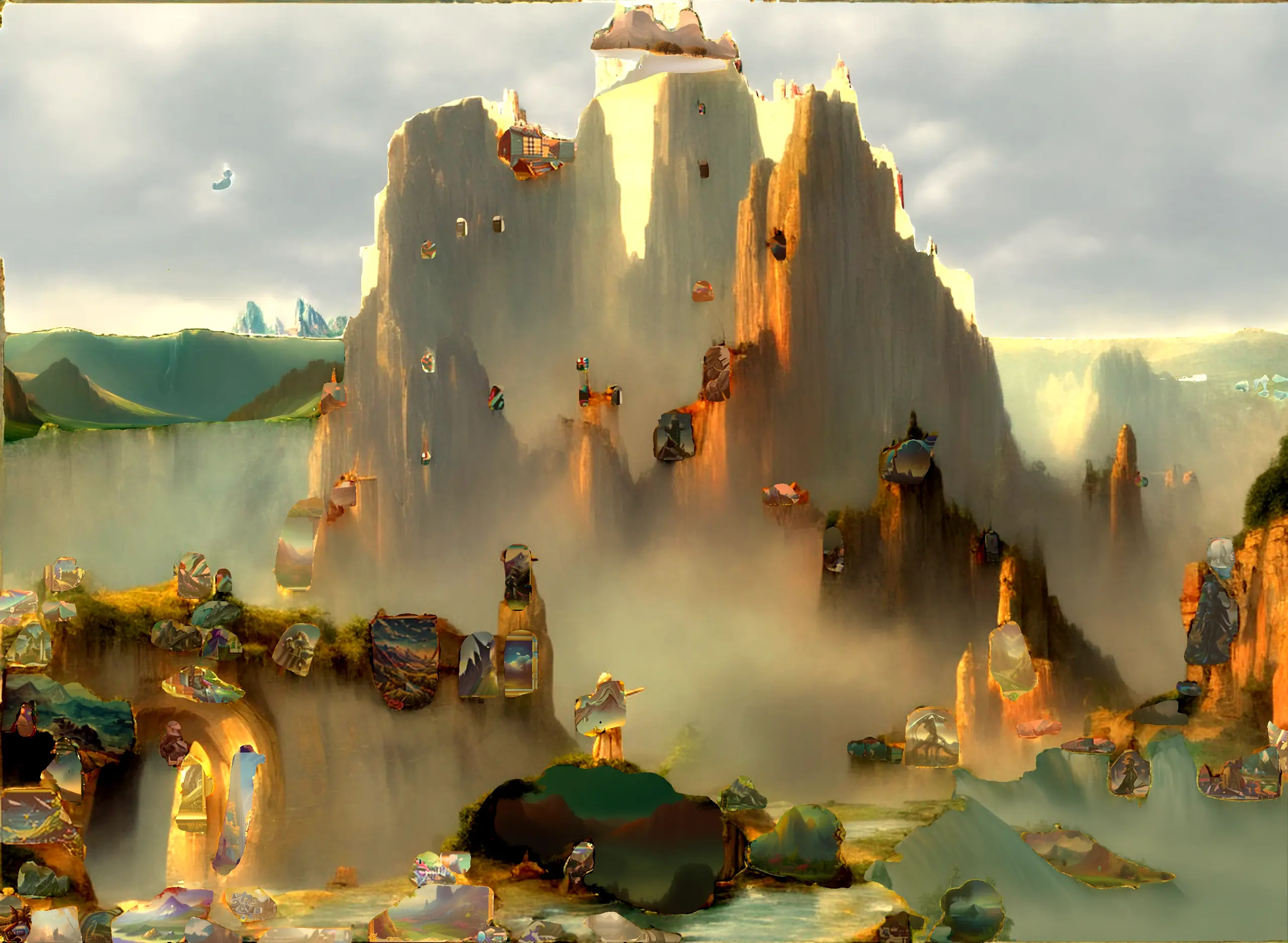
Since the post mentioned running a segmentation model, I also tried it, without good results. Besides the dreamlike AI hallucination effect, I wasn’t able to find any way to make it work.
Conclusion
The effect is interesting, yet there’s nothing that I think would be much more than a cute novelty. Also, this is more work than drawing :-)